There are different numbers in 1C, yandex.checkout, and CRM
Setting up an exchange without manual reconciliation
1C · CRM · website · Access CONTROL SYSTEM
We set up 1C exchanges with CRM, website, marketplaces, ticket offices and turnstiles so that the data goes by itself, without manual reconciliation.
We will respond during the day, from 9:00 to 23:00 Moscow time. If you don't need a technical specification, we'll help you draw it up.
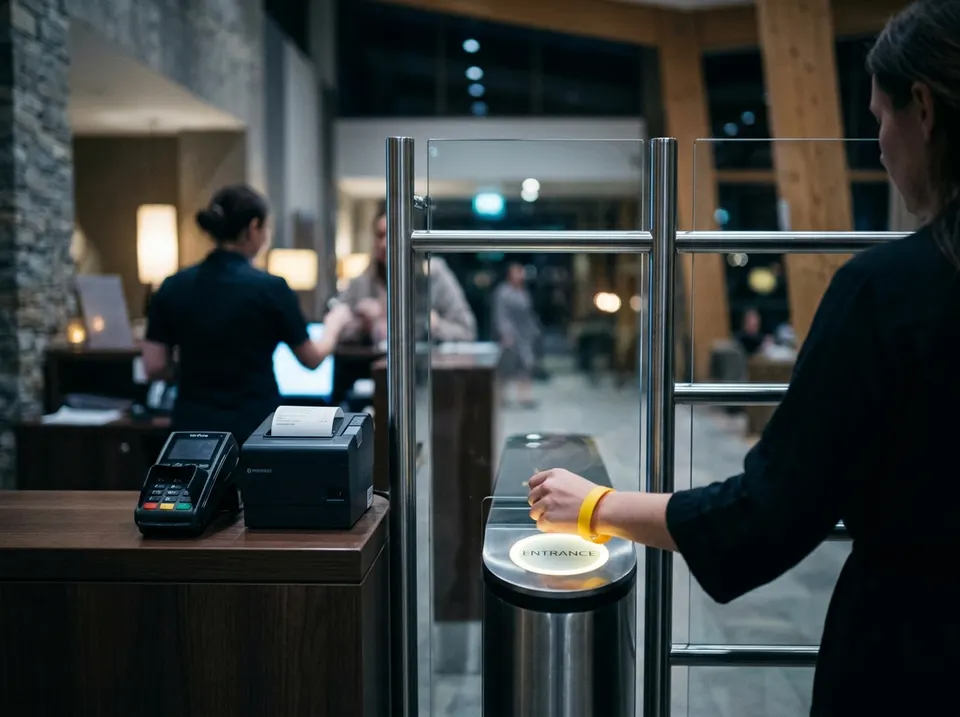
Setting up an exchange without manual reconciliation
We transfer applications to CRM automatically
We link the equipment with the accounting system
We fix the exchange and set up monitoring
What data and where should it go
Transactions and clients without double entry
Applications from the site go directly to 1C
Balances and orders without manual reconciliation
Passes and payments are visible in 1C
We report the failure before the employees
1С1C platform:Enterprise, typical and industry configurations
Yes, in most cases, nothing needs to be changed.
We will find another way: file sharing, direct connection to the database or revision.
We if integration is on our support. Exchange monitoring reports a failure, and we start to figure it out without waiting for your call.
In your own words and without a technical task. We will respond during the day, from 9:00 to 23:00 Moscow time.
Is it more convenient in the messenger?
+79262103289Employees respond from 9:00 to 23:00 Moscow time, every day